Skip to content





Xplora Connect
Activating a used Xplora. Step-by-Step guide.
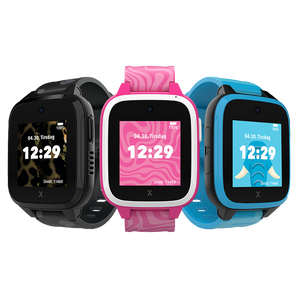
Have you purchased a used Xplora watch or do you want to reactivate a watch that has already been in use? Here you will find a clear guide on how to start a new subscription, get a new SIM card and get started quickly and easily!
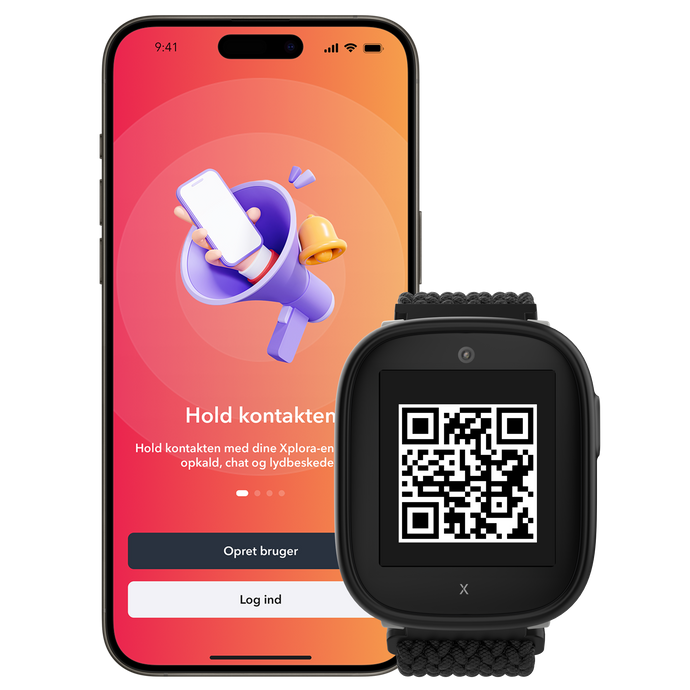
Step 1
Start a new subscription
👉 Note: If your Xplora is new and purchased from a retailer, please use this link to activate the watch.
Step 2
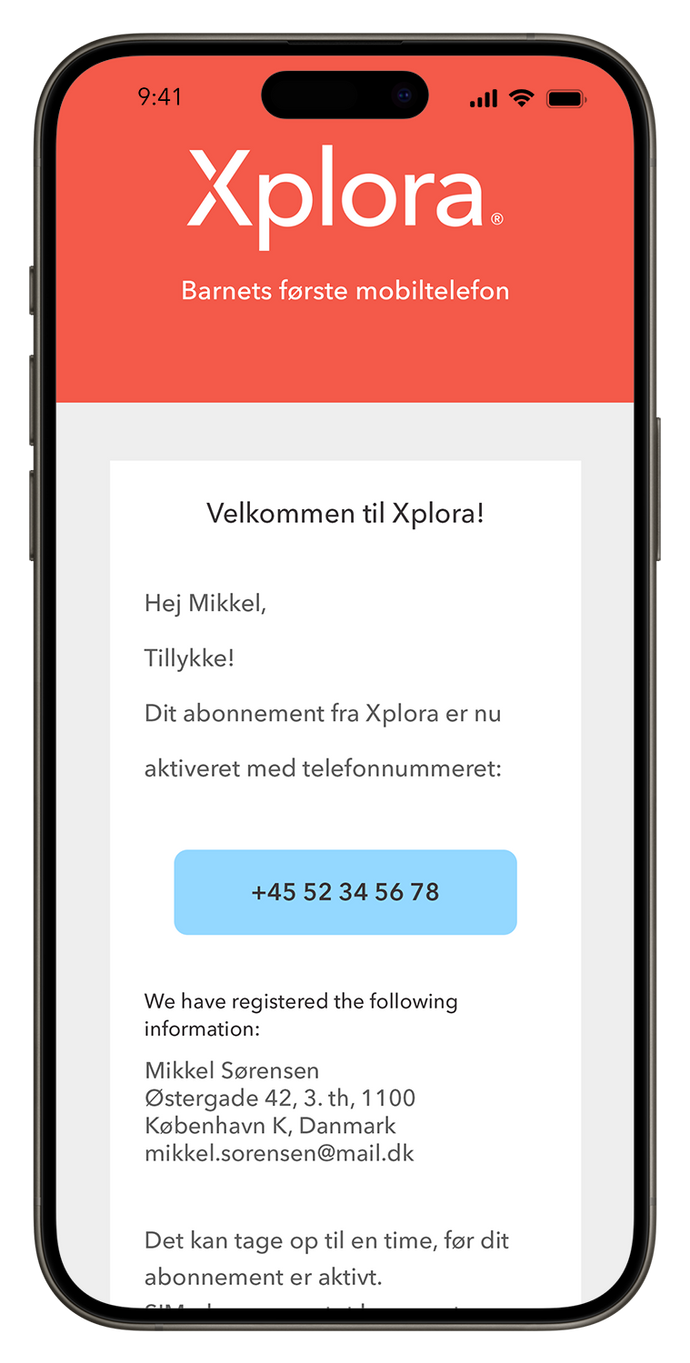
Get the watch's phone number and SIM card
Once you have activated your subscription, the watch's phone number will be sent to the email address you provided when registering - usually within an hour. Your new SIM card will be sent by post and delivered the next business day.
Step 3
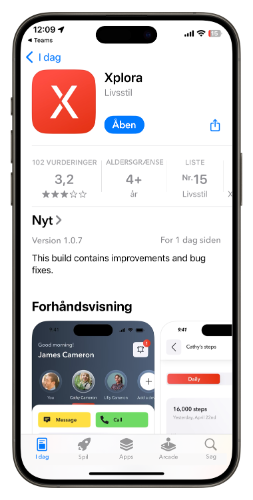
Install the SIM card and activate the watch
Once the SIM card has arrived, it's time to get the watch ready:
- Open the watch's SIM tray and insert the new SIM card
- Download the Xplora app to your phone via the App Store or Google Play
3. Follow the instructions in the app to register the watch. If the watch is already registered in the app, you can update it with the new phone number.
Questions? We're happy to help you!
If you have any questions or encounter any issues, please don't hesitate to contact our support via the link below. Our team is ready to help you every step of the way!

 Danmark
 Norge
Norge
 Sverige
 Suomi
Suomi