Skip to content



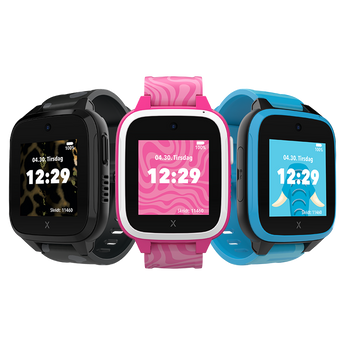



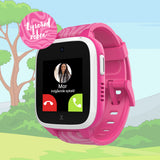

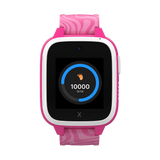
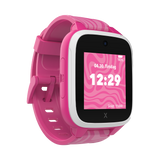
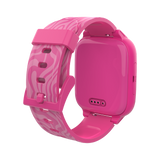
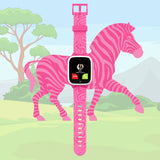
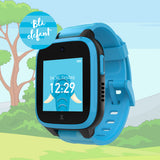
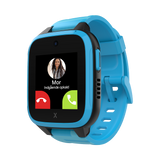

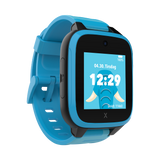
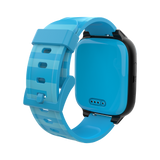
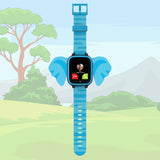
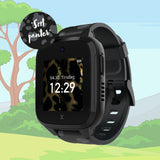

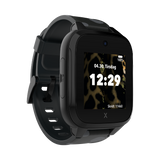
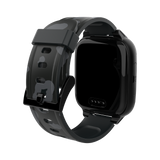
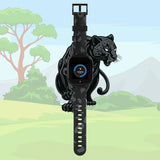
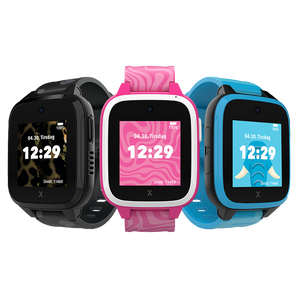
XGO3 smartwatch
Tag forældreappen i brug
Når du aktiverer dit Xplora-abonnement, får du adgang til alle funktionerne i forældreappen – GPS-sporing i realtid og sikkerhedszoner, sikre opkald og beskeder samt skoletilstand. Xplora-abonnement: 109 kr./md.
Xplora subscription
The watch requires and comes with a SIM card to establish network connection. You choose between the available subscriptions during the activation process. A monthly subscription is required. Prices from 99 kr/month to 109 kr/month.
All subscriptions include:
- Unlimited calls within the EU/EEA*
- Unlimited data usage within the EU/EEA*
- 6 month commitment
Some costs may be billed in arrears, such as usage after termination or other usage-based usage.
Please note: Calls to foreign numbers, special numbers and data usage on board ships or in aircraft may incur additional costs in addition to the fixed monthly fee. You can see the full price list on our Prices and Subscriptions page.
Features the family loves
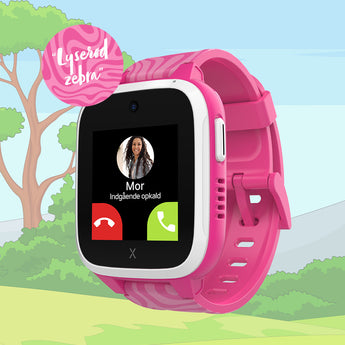
The Xplora XGO3 smartwatch is equipped with several features that give parents peace of mind - while allowing the child to stay in touch in a safe and responsible way:
- GPS positioning – See your child's location directly via the secure parent app.
- Safe Zones – Create personal areas and get notified when your child enters or leaves them.
- No internet access – The watch has neither internet nor access to social media.
- Secure communication – Only approved contacts can call and send messages.
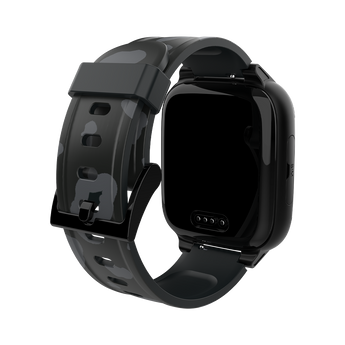
- Rugged and water-resistant design – Built to withstand active play and everyday adventures.
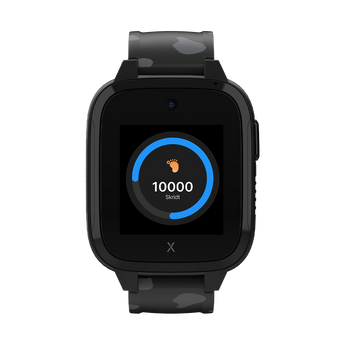
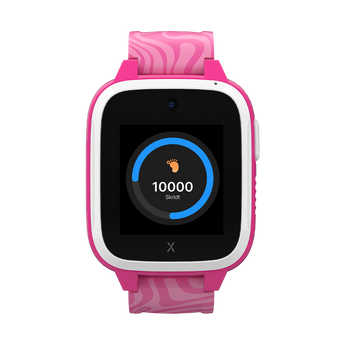
- Activity Tracking – Motivates the child to move and makes it easy for parents to keep track.
- Controlled communication – The main contacts determine who the child may contact – and be contacted by.
- SOS button – The child can quickly alert parents in the event of an emergency.
What's in the box?
When you open the box of the XGO3 Smartwatch, you'll find everything you need to get started right away! Here's what's included in the package:
- XGO3 Smartwatch: A cool smartwatch that keeps kids connected, active, and safe. It's sturdy and super easy to use.
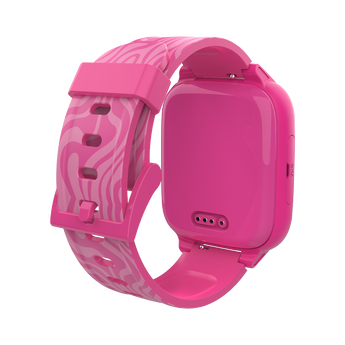
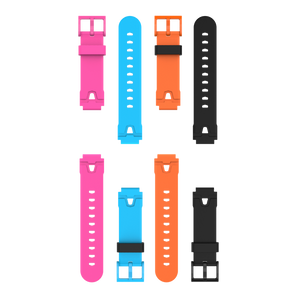
- Watch strap: Comfortable and durable strap (83 mm with buckle and 111 mm with holes), designed for small wrists.
- Xplora Connect SIM card: The watch comes with a pre-installed SIM card so you can quickly activate your subscription and stay connected.
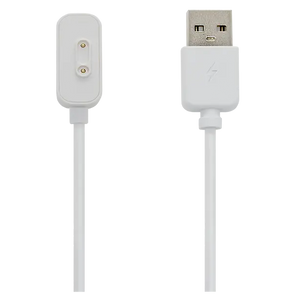
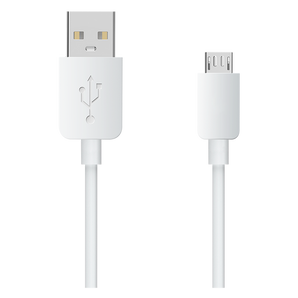
- Charging cable: A simple and easy-to-use charger that keeps the XGO3 powered up and ready to use.
- Quick Start Guide: A step-by-step guide to help you get started quickly, covering everything from activation to customizing your watch.
 Oplader (strømadapter) medfølger ikke – USB-C ladekabel medfølger

How does XGO3 work?
Safe. Secure. Connected.
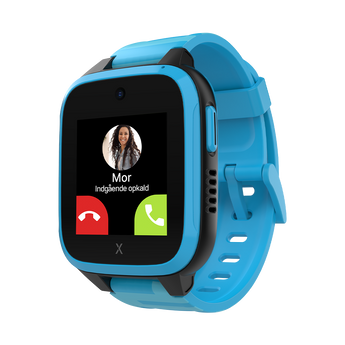
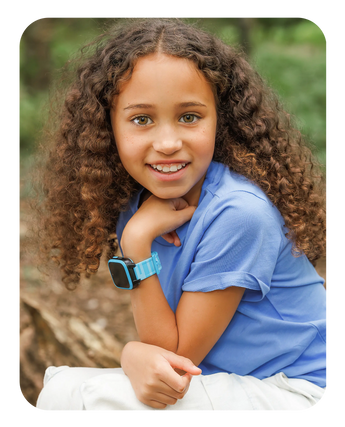
Xplora XGO3 is a safe and user-friendly smartwatch that gives your child independence – with safety in focus. With calls, messages and real-time GPS tracking via the built-in SIM card, you can stay in touch, without access to the internet or social media.
Manage contacts, set up safe zones, and enable School Mode directly in the Xplora Guardian App to minimize disruptions during school hours.


Ringing function and voice messages
A smarter way to stay in touch
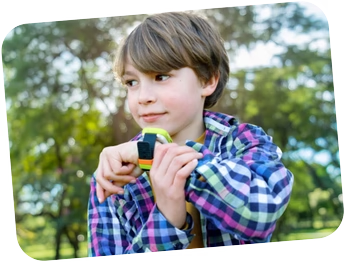
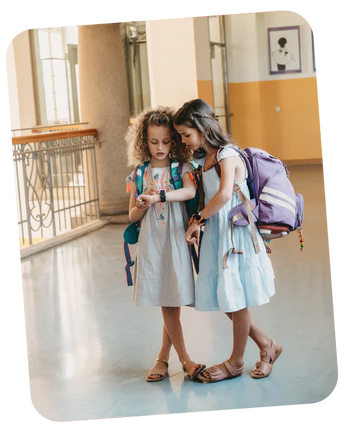
Let your child stay in touch with family in a safe way – only with approved contacts and without unnecessary distractions.
The user-friendly touchscreen makes it easy to send messages or make calls when they get home.

Learning without distractions
Focus where it matters most – School condition
School mode minimizes interruptions by pausing calls and messages, but the watch still shows the time.
The SOS button and real-time GPS tracking remain active, and parents can easily customize the school mode in the app according to their child's schedule.
Integrated emergency button for quick contact
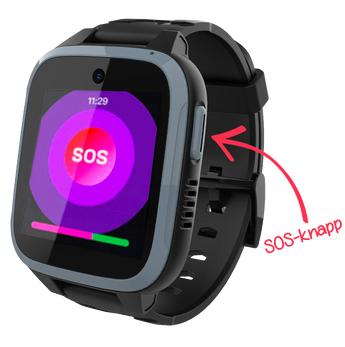
SOS button on Xplora smartwatches
By holding the SOS button for 10–15 seconds, the watch automatically calls the watch's main contacts – one at a time, until someone answers.
At the same time, both main contacts receive a notification in the app that an SOS alarm has been activated.
Safe zones – for a safer everyday life
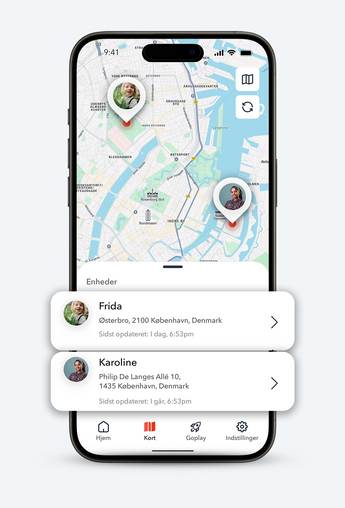
Safe zones for children
With GPS tracking for the watch, you can keep track of your child's whereabouts in real time. The Xplora Guardian App makes it easy to check their location and create safe zones that send automatic notifications when your child enters or leaves a zone.
More Activity and motivation
Active play and fun rewards
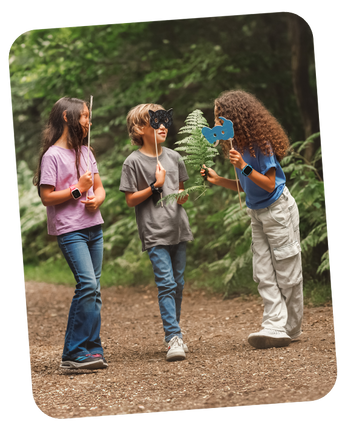
XGO3 is more than just a smartwatch kids can call from – it motivates them to move and play. The built-in pedometer converts steps into Xplora Coins, which can be exchanged for rewards or kid-friendly content on Xplora’s activity platform.
Frequently Asked Questions
Do you have questions? We have the answers. Get an overview of everything you need to know about Xplora smartwatches – from features and usage to warranty and installation.
What is the difference between the XGO3 and X6Play smartwatches?
The XGO3 is perfect for younger kids with basic features like calling, messaging, GPS tracking and a 2MP camera. The X6Play, on the other hand, offers a more premium experience with a 5MP camera, expanded memory (8GB), a larger screen and interchangeable watch faces – ideal for older kids or those who want more personalization options.
What age are Xplora smartwatches suitable for?
Xplora smartwatches are ideal for children aged 4–12.
The XGO3 is a great first step into smart technology for younger kids, while the X6Play offers advanced features that older kids will appreciate.
How long is the battery life?
The battery in both models is designed to last all day:
- The XGO3 has a 900mAh battery with up to 72 hours of standby time.
- The X6Play has an 880mAh battery and also offers up to 72 hours of standby time.
This means fewer charges and more peace of mind.
Can Xplora watches withstand an active everyday life?
Yes! Both models are designed for active kids and have IP68 certification, making them water-resistant and resistant to splashes, dirt, and short-term immersion.
Their robust design ensures they can handle everyday adventures.
What is the Xplora Guardian App?
The Xplora Guardian App gives you full control and you can easily track your child's location, set up safety zones and control who can contact the watch.
The Xplora Guardian App can be downloaded for free from the App Store and Google Play.
Can I manage multiple watches and add more than one parent?
Yes, you can manage multiple watches for different children from the same account.
In addition, you can add an additional parent/guardian who will have almost the same access and can help manage the children's hours.
Technical specifications
Xplora Technologies Denmark ApS uses Telenor's mobile network
Hardware specifications
Chipset: Unisoc W307
CPU: 1.2GHz Quad-core ARM Cortex A7
Battery: 900mAh
Camera: 2MP
Storage: 128 MB RAM + 128 MB internal memory
Water resistant: IP68
Display: 1.3" TFT (240 x 240 px)
Compatible with iOS 17 or later and Android 7.0 or later.
Devices running older versions are not supported.
SIM card: Nano SIM
Network: 4G, 3G & 2G
Positioning / Localization: GPS + WiFi + LBS
Operating system: RTOS
Charging : Pogo Pin
Sensor: G-sensor
Bluetooth: BT4.1
Standby time: 72 hours
Weight (with watch strap): 47.5 g
Dimensions: 48.65 x 41.2 x 14.6 mm
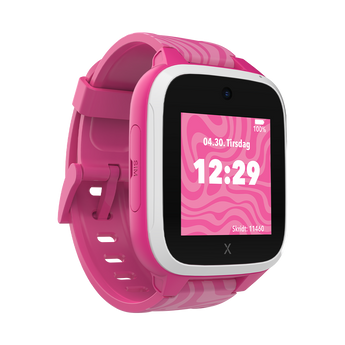
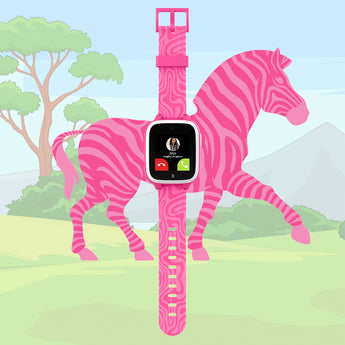
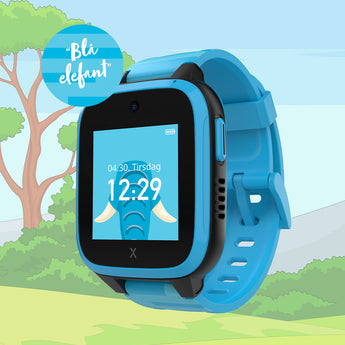
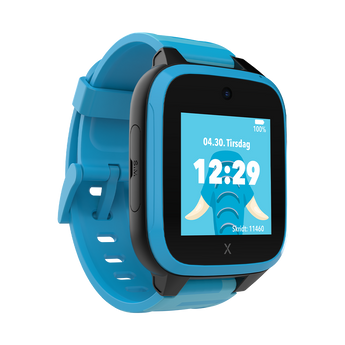
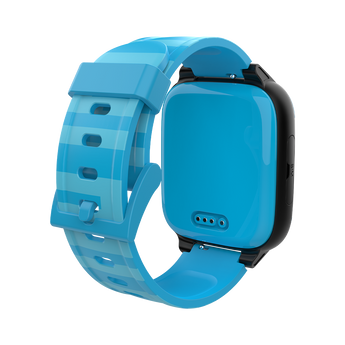
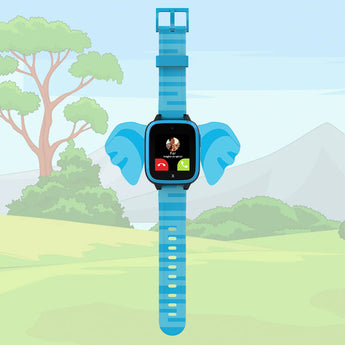
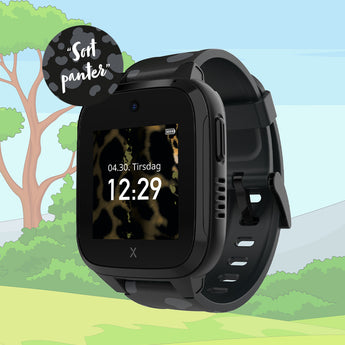
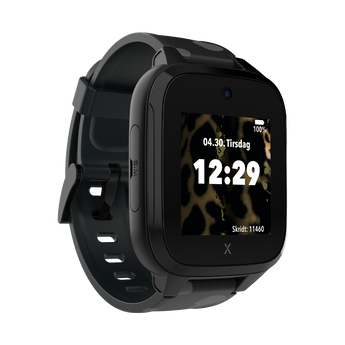
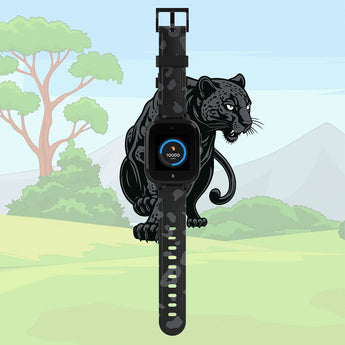
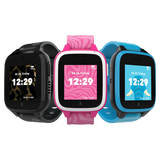
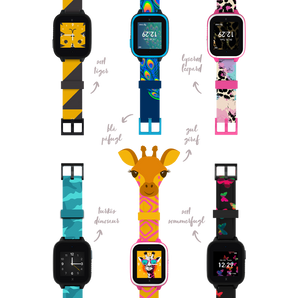
Colors: Black Panther, Blue Elephant and Pink Zebra
*Our kids' smartwatches are tested under controlled laboratory conditions and are rated IP68 water and dust resistant. However, we recommend that you remove the watch before contact with water. Water and dust protection is not permanent and may deteriorate over time due to normal wear and tear.
A wet Xplora smartwatch should not be charged and the warranty does not cover damage caused by liquid.*
XGO3 Accessories
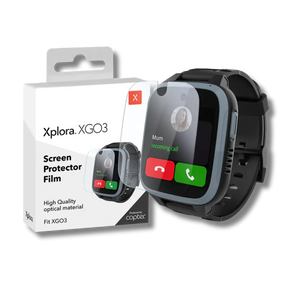
Give your XGO3 a personal touch with extra screen protectors, wristbands, chargers and more.
Guide: How to connect your child's smartwatch to your mobile
- Insert the SIM card and charge the watch. With Xplora Connect, the SIM card is already installed in the watch.
- Download the Xplora app. Download the app to your smartphone via the App Store or Google Play.
- Create a user account. Follow the instructions in the app to create your account.
- Scan the QR code on the watch. Use the app to scan the QR code displayed on the watch screen and pair it with your phone.
Xplora Guardian App er kompatibel med enheder, der bruger iOS 17 eller Android 7.0 eller nyere. Enheder med ældre operativsystemer understøttes ikke.

 Danmark
 Norge
Norge
 Sverige
 Suomi
Suomi