Skip to content






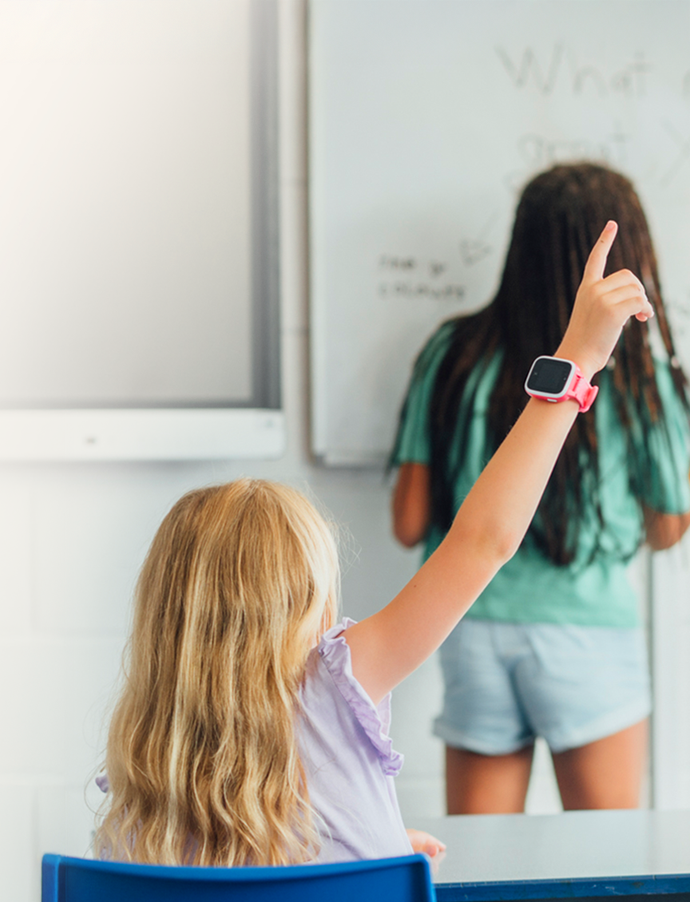
All the features when you need them. No distractions when you don't.
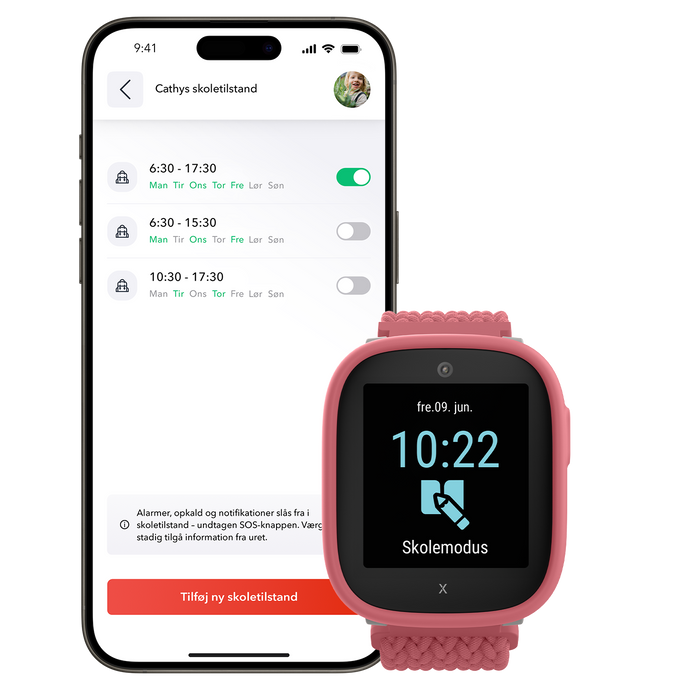
School mode – Customized for school
With school mode activated, Xplora's smartwatch transforms into a completely regular watch during school hours – no calls, messages or internet, just the clock.

A safer way to stay connected with your child
Parents love Xplora
GPS, safe zones and simple communication make it easy and safe to give your child more freedom. Xplora also protects against cyberbullying and inappropriate content - perfect for younger children.
Designed to respect school guidelines.
Complies with school rules
80% of schools allow Xplora when School Mode is enabled. The feature turns off all distractions – no internet, no messages or calls – just like a normal watch. If in doubt, inform the school. With School Mode enabled, Xplora does not disrupt classes.
Can my child bring the Xplora smartwatch to school?
The most common questions about Xplora GPS watches at school and school rules.
Is Xplora allowed in school?
Yes, 80% of schools allow smartwatches like the Xplora with school mode enabled , where the watch only functions as a regular watch.
However, the rules are set by the individual school and may change over time. We therefore recommend that parents have an open dialogue with the school when their child brings their Xplora, as long as the school mode is set up correctly.
What is school mode and how does it work?
The Xplora watch's school mode automatically turns off all functions – such as calls, messages and internet. Instead, the watch only shows the time during the times that the parents have set in the app. The child cannot change the settings themselves.
What do I do if the school doesn't allow Xplora?
If the school is in doubt, you as a parent can inform them about how school mode works. Many schools choose to allow Xplora when they discover that the watch cannot be used for anything other than showing the time during school hours.
How safe is Xplora for my child?
Xplora has no internet access , no social media and no addictive apps . It protects against cyberbullying and inappropriate content. The watch is fixed on the arm and has GPS, safe zones and a pedometer for both security and activity.
Is it a better alternative than a cell phone for children?
Yes, Xplora is perfect for younger children who are not yet ready for a smartphone. The watch offers simple communication via calls and text messages, but without the expensive features and risks of internet access. It is also a more affordable and robust alternative, reducing the risk of losing it or breaking it.
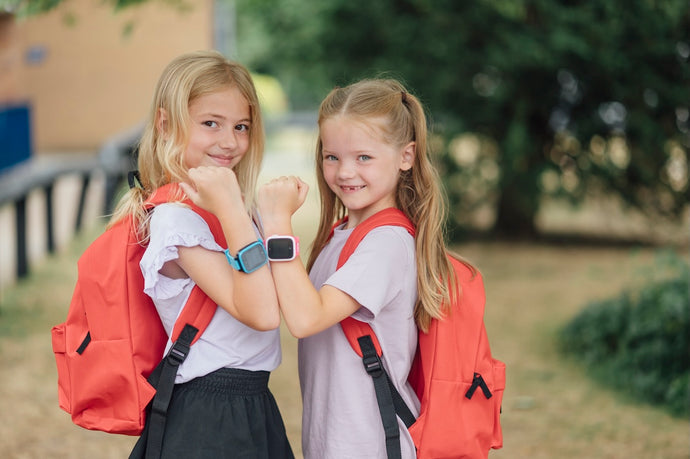
Safety and security – every step of the way.
With Xplora you get the perfect tool to stay in touch with your child – without disrupting school rules or your child's daily routine. Safety starts here.

 Danmark
 Norge
Norge
 Sverige
 Suomi
Suomi